http://MEO Router Login in the address bar. Use default credentials (usually admin/admin or admin/password) to access the admin panel. Change your password immediately for security. MEO Router Login Tool: Access Admin & Fix Issues Fast
What is MEO Router Login
MEO Router Login is the process of accessing your router’s built-in admin panel using a private IP address, known as the default gateway. This interface gives you full control over your home network, allowing you to modify WiFi passwords, update security settings, and manage connected devices. Think of it as the command center for your internet connection.
How to Login to MEO Router
Accessing your router’s admin panel is a straightforward process. Follow these steps to get started with your MEO router login:
- Connect to your network: Ensure your computer or smartphone is connected to your MEO WiFi network or directly to the router via an Ethernet cable.
- Open a web browser: Launch any browser, such as Chrome, Safari, or Firefox.
- Enter the default gateway: In the address bar, type the default IP address for your specific MEO router model. Common addresses include
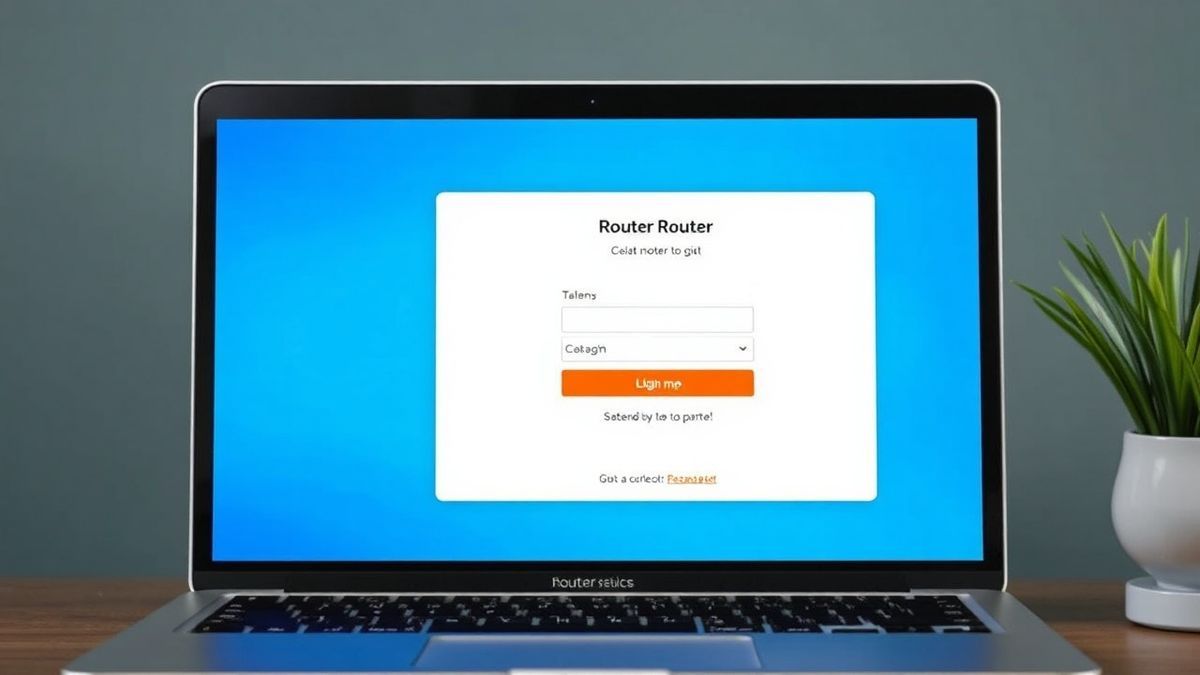
http://192.168.1.254orhttp://192.168.8.1. - Enter login credentials: A login page will appear. Enter the username and password for your router. If you haven’t changed them, this information is often printed on a sticker on the back or bottom of your router.
- Access the admin panel: After entering the correct credentials, you will be logged into the admin dashboard, where you can view and modify your router settings.
Default Username and Password for MEO Routers
For many MEO routers, the default login credentials are standardized. However, it's crucial to verify this information on the sticker attached to your physical device. Here are the most common combinations:
| Router Model | Default Username | Default Password |
|---|---|---|
| FiberGateway GR241AG | meo | meo |
| Technicolor TG784n v3 | meo (or sumeo) | meo (or bfd,10ng) |
| Huawei B311 | (blank or admin) | admin |
| ZTE MF 920U | (blank) | admin |
Important Security Tip: Leaving your router on the default username and password is a significant security risk. Anyone connected to your network could easily access your admin panel. We highly recommend changing this to a strong, unique password immediately after your first MEO router login.
What You Can Do After Login
Once you’ve successfully accessed the admin panel, you have full control over your network. Here are some of the most common tasks users perform:
- Change WiFi Password (WiFi Key): Improve your network security by updating your WiFi password. This is a good practice if you suspect unauthorized access.
- Modify Network Name (SSID): Personalize your home network by changing the SSID to something easily identifiable, like "The Smith Family Network."
- Manage Connected Devices: View a list of all devices connected to your WiFi. You can often identify unknown devices and block them if necessary.
- Adjust Router Settings: Configure advanced features like parental controls, Quality of Service (QoS) for gaming, and guest network access.
Troubleshooting MEO Router Login Not Working
It’s common to encounter issues when trying to log in. Here’s how to fix the most frequent problems with your MEO router login.
Cannot Access MEO Router Login (Page Not Loading)
Reason: The most common cause is an incorrect default gateway IP address. You might also be using the wrong protocol (e.g., https instead of http).
Solution:
- Verify the IP Address: Double-check the sticker on your router to confirm the correct default gateway.
- Use the Command Prompt: On a Windows PC, open Command Prompt, type
ipconfig, and press Enter. Look for the "Default Gateway" entry under your active network adapter. On a Mac, go to System Settings > Network > your connection > Details, and find the "Router" address. Use that IP in your browser. - Check Your Connection: Make sure you are connected to the MEO router's network via WiFi or Ethernet. You cannot access the login page if you are on a different network.
Login Failed After Entering Credentials
Reason: You are entering the wrong username or password. This often happens if the default credentials were changed and forgotten, or if you are using the wrong combination for your specific model.
Solution:
- Check the Router Sticker: Re-examine the sticker on your router for the correct default username and password.
- Try Common Defaults: If the sticker is unreadable, try common combinations like
admin/admin,admin/password, ormeo/meo. - Factory Reset: If you’ve changed the password and forgotten it, you’ll need to perform a factory reset. Locate the small, recessed reset button on the router. Using a paperclip, press and hold it for about 10-15 seconds until the lights blink. This will restore all settings, including the login credentials, to their factory defaults.
No Response After Entering IP Address
Reason: The router might be unresponsive, or there could be a temporary network glitch.
Solution:
- Restart Your Router: Unplug the power cable from your MEO router, wait for 30 seconds, and plug it back in. Wait a few minutes for it to fully boot up and re-establish your internet connection. Then, try the MEO router login again.
- Try a Different Browser or Device: Sometimes, browser cache or extensions can cause issues. Try a different browser or attempt the login from a smartphone or tablet to rule out device-specific problems.

Frequently Asked Questions
How to perform MEO router login for the first time?
Connect to your MEO WiFi, open a browser, and type your router's default IP address (found on the sticker on the device). Use the default username and password from the same sticker to log in.
Why is my MEO router login page not opening?
This is usually due to using the wrong IP address or not being connected to the router's network. Verify the correct default gateway using the ipconfig command (Windows) or your network settings (Mac) and ensure you are connected to your MEO WiFi.
What is the default password for MEO router login?
The default password varies by model. The most common are meo for the FiberGateway GR241AG, admin for Huawei and ZTE models, and meo or bfd,10ng for Technicolor routers. Check the sticker on your specific router for the exact credentials.
I forgot my MEO router admin password. What should I do?
If you have forgotten a custom password, you will need to perform a factory reset on your router. Press and hold the reset button (usually a small hole on the back) with a paperclip for 10-15 seconds. This will restore the default username and password.
What can I change after I login to my MEO router?
After a successful login, you can change your WiFi name (SSID), update your WiFi password for better security, view a list of connected devices, set up parental controls, and manage other advanced network settings.
Is it safe to use the default MEO router login credentials?
No. Keeping the default credentials is a security risk because they are widely known. Anyone on your network could easily access your router's admin panel. It is highly recommended to change the admin password to a strong, unique one immediately after logging in.
🔒 Security Reminder
After logging into your MEO router, always change the default password to protect your network from unauthorized access. Use a strong password with at least 12 characters including letters, numbers, and special symbols.