http://NETGEAR Orbi Login in the address bar. Use default credentials (usually admin/admin or admin/password) to access the admin panel. Change your password immediately for security. NETGEAR Orbi Login Tool: Access Router Admin & Settings
What is NETGEAR Orbi Login?
The NETGEAR Orbi Login is the process of accessing your Orbi router's administrative console. This is typically done by entering your router's private IP address (like 192.168.1.1) or the web address orbilogin.com into a web browser. This default gateway acts as the door to your router admin panel, where you can manage your home network's security, WiFi settings, and connected devices.
How to Login to NETGEAR Orbi Router
Follow these steps to access your Orbi admin panel. Ensure your device is connected to your Orbi network (either via WiFi or an Ethernet cable) before you begin.
- Open a Web Browser: On a computer or smartphone connected to your Orbi network, open a browser like Chrome, Safari, or Firefox.
- Enter the NETGEAR Orbi Login Address: In the address bar, type one of the following and press Enter:
http://www.orbilogin.comhttp://www.orbilogin.nethttp://192.168.1.1(the default gateway IP address)
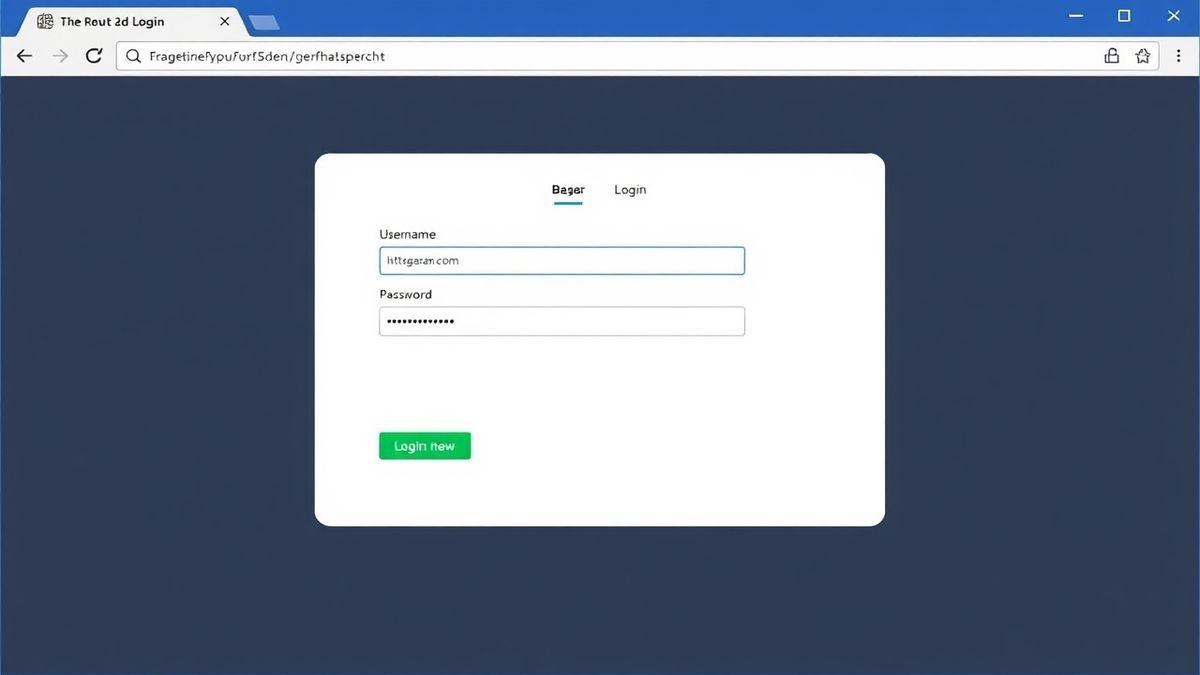
- Enter Your Login Credentials: A login page will appear. Enter the admin username and password for your Orbi router.
- Access the Admin Panel: Click the Sign In or Log In button. You will now be inside the router admin dashboard where you can manage all your settings.
Default Username and Password for NETGEAR Orbi
If you haven't changed your login credentials, you will need the default username and password. For most NETGEAR Orbi routers, the defaults are:
- Username:
admin - Password:
password
Important: It is a critical security practice to change the default password immediately after you log in for the first time. Using the default password leaves your network vulnerable to unauthorized access.
What You Can Do After You Login
Once you've completed your NETGEAR Orbi login, you have full control over your network. The admin panel allows you to:
- Change WiFi Name (SSID): Personalize your network's name.
- Change WiFi Password: Update your network key to a stronger, more secure password.
- View Connected Devices: See a list of all devices currently connected to your network.
- Set Up Guest Network: Create a separate, secure WiFi network for visitors.
- Update Firmware: Ensure your router has the latest security patches and performance improvements.
- Run Speed Tests: Test your internet connection speed directly from the router.
Troubleshooting NETGEAR Orbi Login Not Working
It can be frustrating when you can't access your router's settings. Here are solutions to the most common login problems.
Cannot Access NETGEAR Orbi Login (Page Not Loading)
If you type in the IP address or orbilogin.com and the page doesn't load, the issue is often with your device's connection.
- Check Your Connection: Make sure your computer or smartphone is connected to the Orbi network. A common mistake is trying to log in while connected to a different WiFi network or using cellular data.
- Use a Wired Connection: For the most reliable connection during setup or troubleshooting, connect your computer directly to the Orbi router or satellite using an Ethernet cable.
- Verify the IP Address: Ensure you are using the correct IP address.
192.168.1.1is the most common, but it can sometimes be192.168.0.1or10.0.0.1. You can find your default gateway by opening the Command Prompt (Windows) or Terminal (Mac) and typingipconfig(Windows) ornetstat -nr | grep default(Mac).
No Response After Entering the IP Address
If you press Enter and nothing happens, or the page hangs, the issue might be with your browser or router.
- Clear Browser Cache: Cached files can sometimes interfere with local addresses. Try clearing your browser's cache and cookies, or open the login page in an incognito/private window.
- Try a Different Browser: If one browser isn't working, try another. Compatibility issues are rare but can occur.
- Reboot Your Router: Unplug the power cord from your Orbi router, wait 30 seconds, and plug it back in. After the router is fully booted (all LEDs are solid), try the login process again.
Login Failed (Incorrect Username or Password)
If you see an error message stating your username or password is incorrect, don't panic.
- Check for Typos: Passwords are case-sensitive. Double-check that Caps Lock is off and you are entering the credentials correctly.
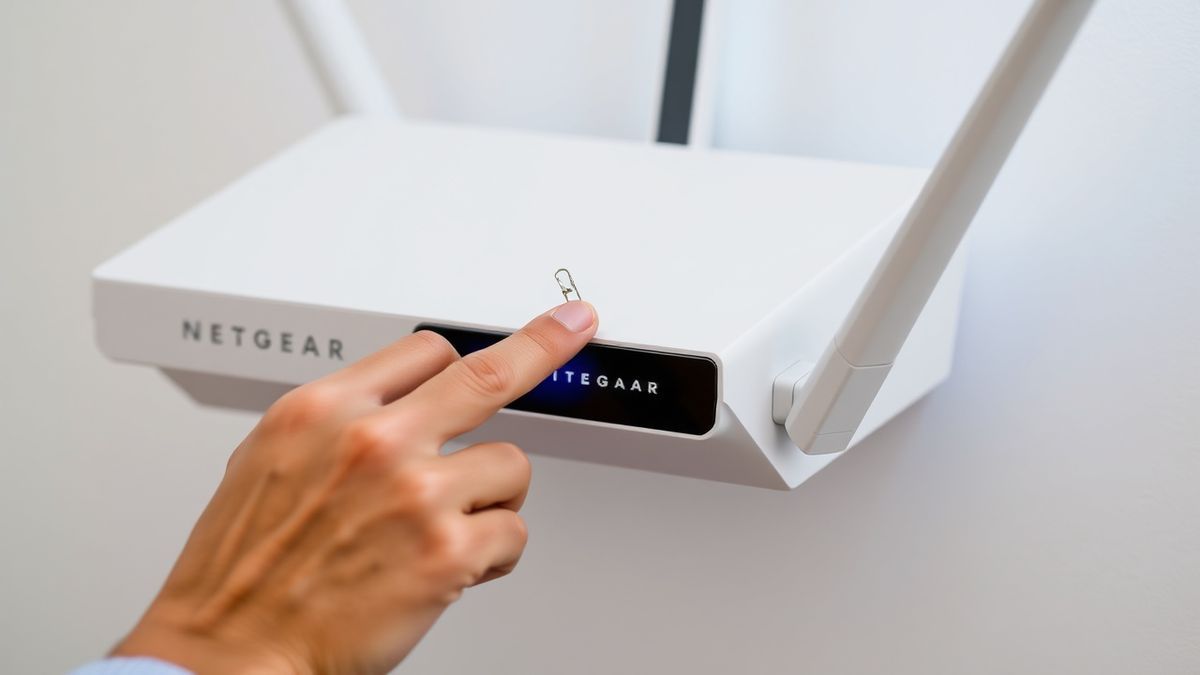
- Reset to Factory Defaults: If you have forgotten your custom password, you will need to perform a factory reset. Locate the Reset button on the back of your Orbi router. Using a paperclip, press and hold the button for 7-10 seconds until the LED blinks. This will restore the router to its default settings, allowing you to log in with the default username and password (admin/password). Note: This will erase all your custom settings, including your WiFi name and password.
Frequently Asked Questions
How do I login to my NETGEAR Orbi router?
You can log in by opening a web browser and typing 192.168.1.1 or orbilogin.com in the address bar. Then, enter your admin username and password. Alternatively, you can use the NETGEAR Orbi app on your smartphone.
Why is my NETGEAR Orbi login not working?
This is usually due to a poor connection to the network, a wrong IP address, or incorrect login credentials. Try connecting via an Ethernet cable, rebooting your router, or clearing your browser cache.
What is the default password for NETGEAR Orbi login?
The default password is password, and the default username is admin. It's highly recommended to change this after your first login for better security.
How do I change my WiFi password using NETGEAR Orbi Login?
After logging into the admin panel, navigate to Basic > Wireless. Under the Security Options section, look for the Password (Network Key) field. Enter your new password and click Apply.
Can I use the Orbi app instead of the web portal for NETGEAR Orbi Login?
Yes. The Orbi app is a convenient alternative. Download it from the Google Play Store or Apple App Store, ensure your phone is connected to your Orbi WiFi, and open the app to log in.
What should I do if I forgot my NETGEAR Orbi admin password?
If you forgot your custom admin password, you must perform a factory reset. Press and hold the reset button on the back of your router for about 10 seconds. This will revert the login credentials to the default (admin / password).
Is it safe to use the default gateway IP for NETGEAR Orbi Login?
Yes, using the private IP address like 192.168.1.1 is safe and the standard method to access your router's settings. This address is only accessible from within your home network, not from the public internet.
Where do I find my Orbi router’s IP address if 192.168.1.1 doesn't work?
If the default IP doesn't work, you can find it by checking your computer's network settings. On Windows, run ipconfig in Command Prompt and look for the "Default Gateway". On Mac, check your network preferences or run netstat -nr | grep default in Terminal.
🔒 Security Reminder
After logging into your NETGEAR Orbi router, always change the default password to protect your network from unauthorized access. Use a strong password with at least 12 characters including letters, numbers, and special symbols.